


Opens in a new tab. Your article title and link are shared only with the AI assistant you choose.
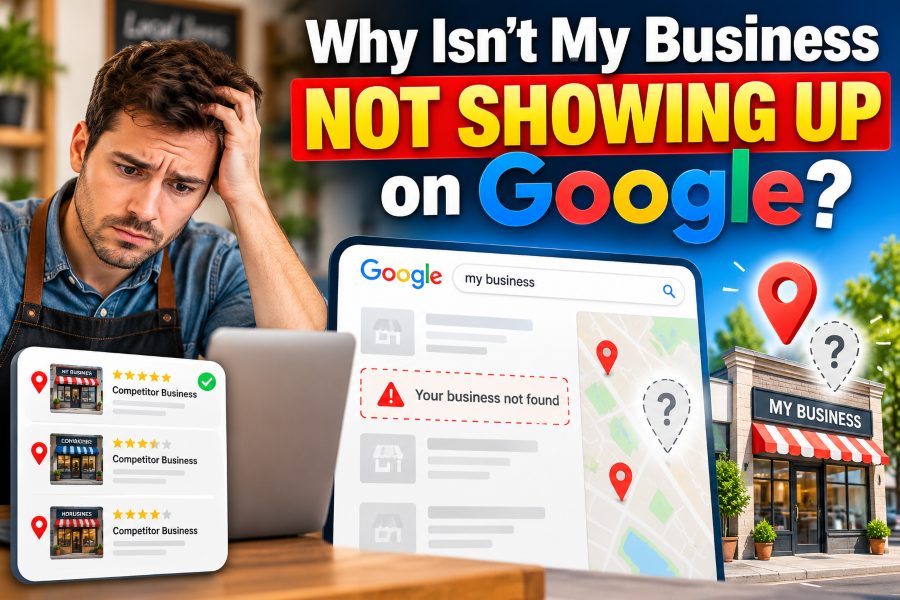
If you are asking, “Why isn’t my business showing up on Google?”, you are not alone. Many business owners create a website or Google Business Profile and expect their company to immediately appear when customers search for their services.
Unfortunately, simply having a business online does not guarantee visibility.
Your business may be missing from Google Search, Google Maps, or the local results for several reasons. Your Google Business Profile might not be verified, your information may be incomplete, Google may not clearly understand what your business offers, or your competitors may currently have stronger local SEO signals.
The good news is that most visibility problems can be identified and improved.
In this guide, you will learn why your business may not be appearing on Google, how Google decides which businesses to display, and what you can do to improve your visibility in local search results.
Why Isn’t My Business Showing Up on Google?
The most common reasons your business is not showing up on Google include an unverified Google Business Profile, incorrect business information, poor category selection, weak local SEO, a new profile that has not established enough signals, a suspended profile, duplicate listings, or strong competition in your area.
Google explains that local search results are primarily influenced by relevance, distance, and prominence. Relevance refers to how closely your business matches the search, distance considers how close the business is to the searcher, and prominence relates to how established or well known the business is.
Understanding these three concepts makes diagnosing your visibility problem much easier.
Your Google Business Profile Has Not Been Verified
One of the first things to check is your Google Business Profile verification status.
Creating a profile and verifying it are not exactly the same thing. Verification helps Google confirm that you are authorized to represent the business. Google specifically recommends verifying businesses because verified profiles are more likely to be eligible to appear properly across Search and Maps.
Search for your exact business name on Google while logged into the Google account that manages your profile.
If Google asks you to complete verification, follow the available method. Depending on the business and location, Google may provide options such as phone, email, video, or another verification process. Google determines which verification methods are available, so businesses cannot always select their preferred option.
Once verification is completed, make sure all important business information is accurate.
Your Business Information Is Incomplete
Google needs enough information to understand exactly who you are, where you operate, and what products or services you provide.
A nearly empty profile gives Google fewer signals to work with.
Your Google Business Profile should clearly contain your real business name, primary category, relevant secondary categories, address or service area, phone number, website, opening hours, services, business description, photos, and other information relevant to your company.
Google states that businesses with complete and accurate information are more likely to appear in relevant local search results.
Avoid adding information simply to manipulate rankings. Everything on your profile should accurately represent your real business.
If your company is called “Johnson Plumbing,” for example, do not rename your profile “Johnson Plumbing Best Emergency Plumber Chicago 24/7” unless that is genuinely the business name used in the real world.
Google’s guidelines recommend representing the business consistently with its real-world branding, signage, and other business materials.
Google Does Not Clearly Understand What Your Business Does
Sometimes the profile is active but does not appear for important service-related searches.
Imagine you own a roofing company called “Harrison & Sons.”
Someone searching your exact company name may find your profile. However, your business may not appear for searches such as:
“roofing company near me,” “roof repair,” “commercial roofing contractor,” or “roof replacement in Dallas.”
This usually means you have a local relevance problem, not necessarily an indexing problem.
Your primary business category plays an important role here.
Choose the category that most accurately describes your core business. Then add relevant secondary categories when they genuinely represent additional services you offer.
Your website should reinforce those topics as well.
If you want Google to associate your company with roof repair, for example, your website should have useful information about roof repair rather than mentioning the service only once in the footer.
Create clear service pages explaining what you provide, who you serve, where you provide it, and why customers should choose your company.
Your Business Is Too Far Away From the Searcher
Distance is another major factor in Google’s local search system.
You might rank strongly when searching from one part of a city but disappear when searching from another neighborhood.
That does not automatically mean something is wrong with your profile.
Google considers the searcher’s location when determining local results. If the searcher does not specify a location, Google uses available location information to estimate which businesses are most relevant nearby.
For example, a dentist located in northern Houston may perform well for searches from nearby neighborhoods but have difficulty appearing for somebody searching from the opposite side of the city.
You cannot completely control this factor.
Instead of trying to manipulate your address or create fake locations, concentrate on improving relevance and prominence while accurately defining your real location or service area.
Your Google Business Profile Is New
A new Google Business Profile does not automatically receive top rankings.
Google has limited information about a recently created business. Meanwhile, established competitors may have years of customer reviews, website mentions, backlinks, citations, photos, branded searches, and other signals.
Give Google consistent evidence that your business is legitimate and active.
Keep your information accurate, improve your website, earn genuine customer reviews, build your brand online, and make sure your business details are consistent across important directories.
Over time, these signals can strengthen your local visibility.
Do not expect instant results just because your profile was verified yesterday.
Local SEO is usually a gradual process.
Your Business Profile Has Been Suspended or Disabled
If your business completely disappears from Google Maps or Search, check whether your profile has been suspended or disabled.
Google may restrict profiles that violate its Business Profile policies.
Common problems can involve inaccurate information, misleading business names, invalid addresses, businesses that do not meet eligibility requirements, or other guideline violations.
If your profile has been suspended, do not immediately create another profile for the same business.
Google specifically advises businesses not to create a new profile for the same company while an appeal is being reviewed. Instead, correct potential policy problems and use the official appeal process.
Documents such as business registrations, licenses, tax documents, or utility bills may sometimes be useful when supporting an appeal, particularly when they confirm the real business name and address.
Your Business May Not Be Eligible for a Google Business Profile
Not every company qualifies for a Google Business Profile.
Generally, eligible businesses need to make in-person contact with customers during their stated business hours, although Google lists certain exceptions. Online-only businesses, lead-generation companies, and some other business models are not eligible for standard Business Profiles.
This distinction is important.
If you run a completely online SaaS platform with no physical storefront and never travel to meet customers, attempting to create a local Google Business Profile may violate eligibility requirements.
In that situation, your strategy should focus primarily on traditional SEO rather than Google Maps optimization.
Build useful pages, improve technical SEO, earn authoritative links and mentions, strengthen your brand, and create content targeting searches your potential customers actually use.
Your Website Has Weak Local SEO
Your Google Business Profile does not operate in isolation.
Your website can provide important context about your business, services, expertise, and location.
Start by making your company information clear.
Your homepage should explain what your company does and the primary geographic market you serve. Important services deserve dedicated pages rather than being squeezed into a few sentences on the homepage.
For example, a digital marketing agency serving Austin could have individual pages discussing SEO services, PPC management, web design, and other genuine services.
A landscaping company might have separate pages for lawn maintenance, landscape design, tree care, irrigation, and commercial landscaping.
Avoid creating hundreds of thin location pages where only the city name changes. Pages should provide useful information for real visitors.
Strong local pages answer practical questions about the service, process, location, pricing considerations, common problems, and customer expectations.
Your Business Lacks Prominence
Google uses prominence as one of its primary local ranking concepts.
Prominence is essentially connected to how established or well known a business appears.
Google says signals such as links, articles, directories, reviews, and review scores can contribute to prominence. Traditional organic search ranking signals also play a role.
That means improving local visibility extends beyond editing your Business Profile.
Build a recognizable business across the web.
Earn mentions from relevant local organizations, industry publications, suppliers, associations, newspapers, blogs, and other legitimate websites. Keep your business information accurate on established directories.
You should also encourage satisfied customers to leave genuine reviews.
Never buy reviews or create fake customer accounts.
A consistent flow of authentic customer feedback is far more valuable for building long-term credibility.
Respond professionally to both positive and negative reviews. Your responses are visible to potential customers and can demonstrate that you actively manage the business.
Your Business Details Are Inconsistent Across the Web
Imagine Google finds three different phone numbers, two business names, and several addresses associated with your company.
That creates unnecessary confusion.
Make sure your core business information is consistent across your website, Google Business Profile, social profiles, directories, chamber listings, and other important business references.
Small formatting differences are usually less important than genuinely conflicting details.
For example, “123 Main Street” versus “123 Main St.” is unlikely to create the same problem as having completely different addresses.
Focus on correcting significant inconsistencies.
Pay particular attention if you recently moved offices, changed your business name, switched phone numbers, or acquired another company.
You Have Duplicate Google Business Profiles
Duplicate profiles can also create complications.
Search Google Maps for your business name, old business names, phone number, and address.
You may discover an older profile that someone created years ago.
Perhaps an employee created one account while an agency created another. In other cases, Google may already have information about the business before the owner attempts to create a new profile.
If an existing profile belongs to your business, you may need to claim or request access to it rather than creating additional listings.
Google provides an official process for adding or claiming existing Business Profiles.
Keeping one accurate, properly managed profile is generally better than maintaining several conflicting profiles for the same location.
Your Competitors Have Stronger Local SEO
Sometimes nothing is technically wrong with your business.
Your competitors are simply stronger.
If five established businesses already dominate the local results, Google has to decide which companies best match each search.
Study the businesses currently ranking above you.
Look at their websites, Google Business Profile categories, service pages, reviews, authority, local mentions, content quality, and overall online presence.
Do not copy them.
Instead, identify where your own online presence is weak.
You might discover that competitors have hundreds of genuine reviews while you have five. They may have detailed service pages while you have a one-page website. They may have earned coverage from local publications while almost nobody mentions your business online.
Those gaps give you a clearer SEO roadmap.
How to Get Your Business to Show Up on Google
Start with the fundamentals rather than looking for shortcuts.
Use this checklist:
- Search for your exact business name on Google Search and Maps.
- Claim or create the correct Google Business Profile.
- Complete the required verification process.
- Confirm that your business name follows Google’s guidelines.
- Check your address or service area.
- Select the most accurate primary business category.
- Complete your services, hours, website, phone number, and description.
- Remove or resolve duplicate profiles.
- Check whether the profile has been suspended or restricted.
- Optimize your website for your actual services and target location.
- Earn genuine customer reviews.
- Build relevant local citations, links, and business mentions.
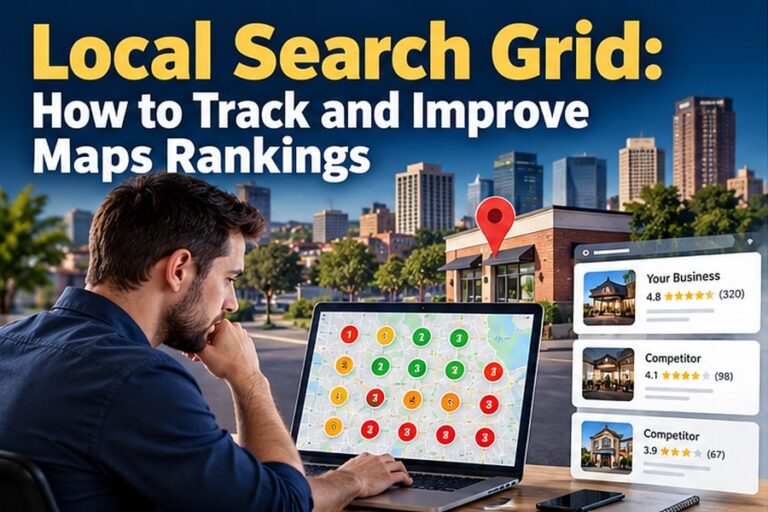
- Monitor rankings from multiple locations rather than checking from only one device.
Do not obsess over checking your ranking every hour.
Local positions naturally vary depending on the searcher’s location, query, competition, device, and other contextual factors.
Instead, measure visibility over longer periods and look for overall improvement.
How Long Does It Take for a Business to Show Up on Google?
There is no universal timeframe.
If your problem is simply an incomplete verification process, visibility may improve after the profile becomes successfully verified and processed.
Ranking competitively for valuable searches is different.
That may require ongoing improvements to your profile, website, reviews, citations, content, backlinks, and overall business authority.
A new business operating in a competitive city will generally have more work to do than an established business in a smaller market with limited competition.
Focus on building sustainable signals instead of chasing a specific number of days.
Why Does My Business Show When I Search Its Name but Not My Service?
This is one of the most common local SEO situations.
If you search your exact business name and your profile appears, Google already recognizes the business.
If the business disappears when you search for your service, such as “electrician near me,” “family lawyer,” or “carpet cleaning company,” the problem is more likely related to competitive rankings and relevance.
Improve your profile categories, website service pages, local authority, customer reviews, and overall prominence.
Also remember that distance can prevent you from appearing everywhere within a large city.
Why Isn’t My Business Showing Up on Google Maps?
If your business is missing specifically from Google Maps, first confirm that the profile exists, is eligible, has been claimed, and has completed any required verification.
Then check for suspensions, duplicate listings, address problems, or policy violations.
If your listing appears when searching the exact business name but not for general keywords, the listing is probably active. You may simply need stronger local ranking signals.
Can I Pay Google to Rank My Business Higher on Maps?
You cannot pay Google to improve your organic local ranking.
Google explicitly states that there is no way to request or pay for a better local ranking.
Advertising and organic local rankings are separate systems.
Google Ads can provide paid visibility, but running advertisements does not guarantee that your Business Profile will move higher in organic Maps results.
Final Thoughts
If you have been wondering, “Why isn’t my business showing up on Google?”, start by determining whether you have a visibility problem or a ranking problem.
If your business cannot be found even when searching the exact company name, check your Google Business Profile, verification status, eligibility, duplicate listings, suspension status, and business information.
If your business appears for its name but not for competitive service keywords, concentrate on local SEO.
Improve your profile completeness, categories, website content, customer reviews, local citations, links, and overall online authority.
Remember that Google’s local search system mainly considers relevance, distance, and prominence. You cannot completely control distance, but you can significantly improve how relevant and prominent your business appears.
Build a genuine, consistent, useful online presence and give Google clear evidence about what your business does, where it operates, and why customers trust it.
That approach gives your business a much stronger chance of appearing when potential customers search for the products and services you provide.

Comments
0 responsesNo comments yet. Be the first to share your thoughts.